
FlutterFlow
An AI visual, drag-and-drop app builder
What it does
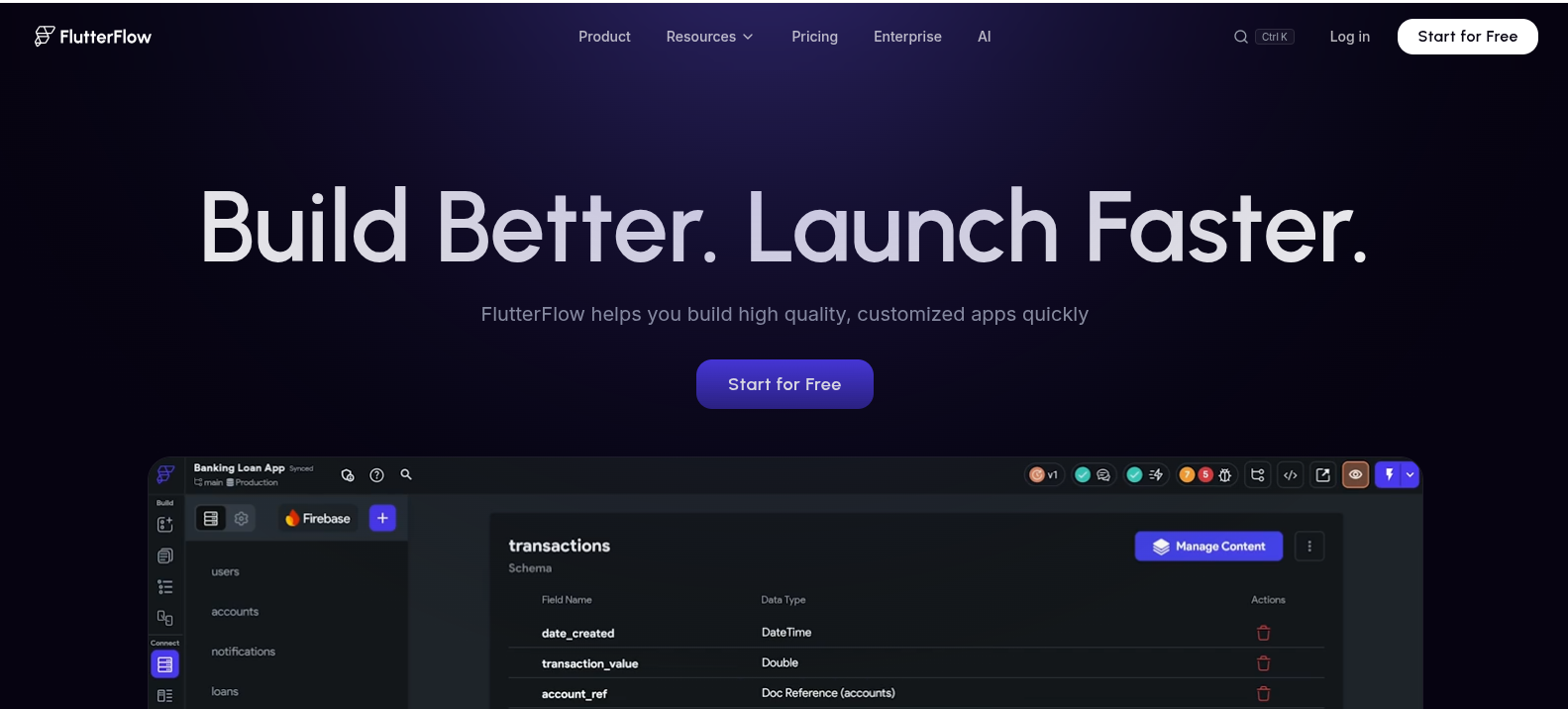
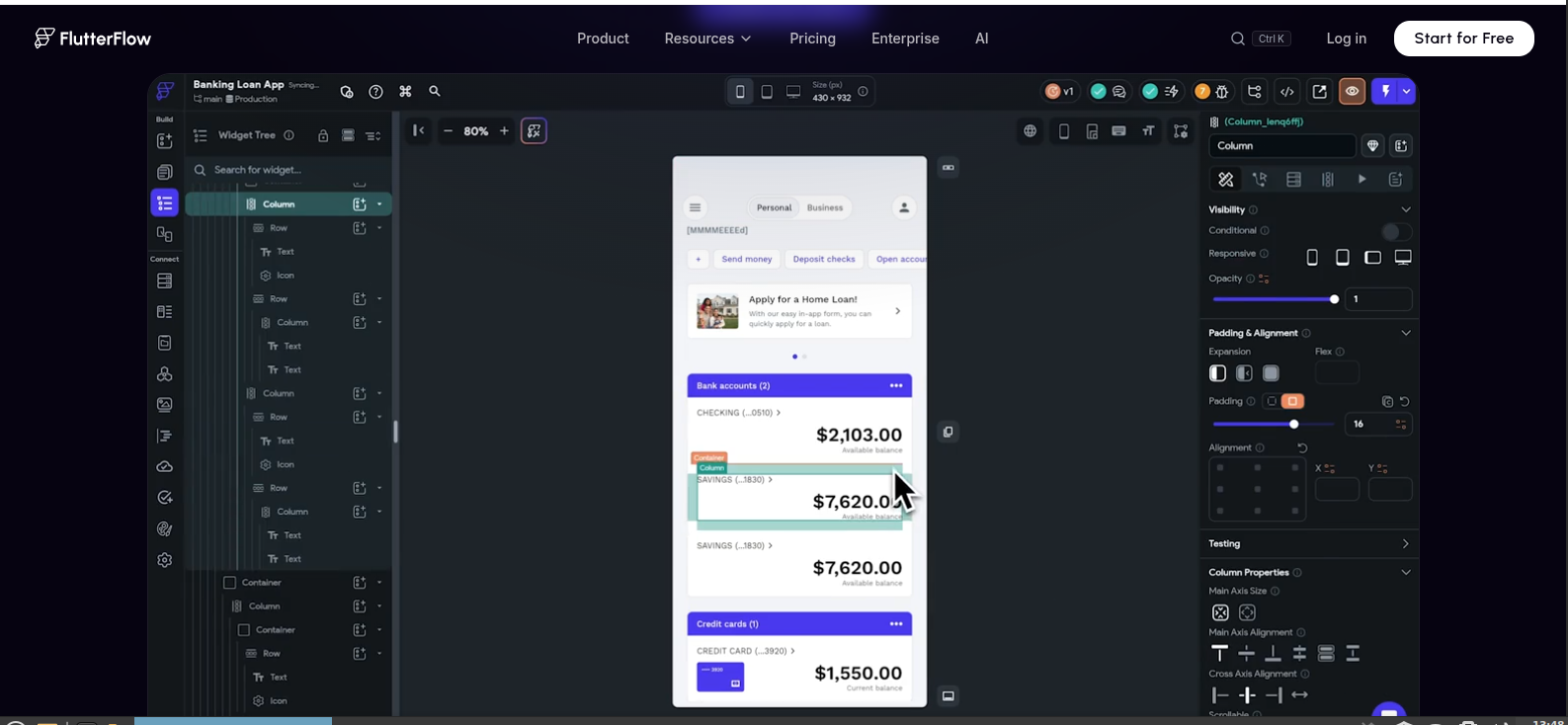
FlutterFlow is a visual, drag-and-drop app builder that compiles to real Flutter code and publishes true native apps for iOS, Android, web, and desktop from one project. It's less "describe it in a sentence" and more "build it visually with a real design canvas," with AI features layered on top to speed up UI generation and logic. It's been around longer than most AI-first builders, so it's a more mature, feature-dense platform with a real learning curve.
Who it's for Freelancers, agencies, and startup teams building a production app who want more control than a pure prompt-to-app tool gives, plus developers who want to start visually and drop into custom code where needed. Less ideal for someone who wants a finished app from a single prompt with zero learning curve.
Key features
- True native compilation via Flutter, not a wrapped web app
- Full code export to Flutter/Dart, no vendor lock-in
- Firebase and Supabase integration for backend and auth
- Figma import to bring existing designs into the builder
- Real-time team collaboration, version history, and branching (on paid tiers)
- Deploy to the App Store, Google Play, and web from the same project
Pricing Free plan: visual builder, templates, up to 2 projects, very limited AI requests, no code export. Basic ($39/mo) unlocks code export, APK download, and app store deployment. Growth ($80/mo for the first seat) adds GitHub integration, branching, and more AI requests. Business ($150/mo for the first seat) scales to 5 seats with Figma import and automated testing. Enterprise is custom-priced. Note: FlutterFlow doesn't include backend hosting, Firebase or Supabase usage is billed separately.
Best for Teams that want a real native app with full code ownership and are willing to invest time learning a more powerful, visual builder rather than a one-prompt tool.
Ready to try FlutterFlow?
See if it fits your workflow before committing.