Best LinkedIn Automation Tools
Closely
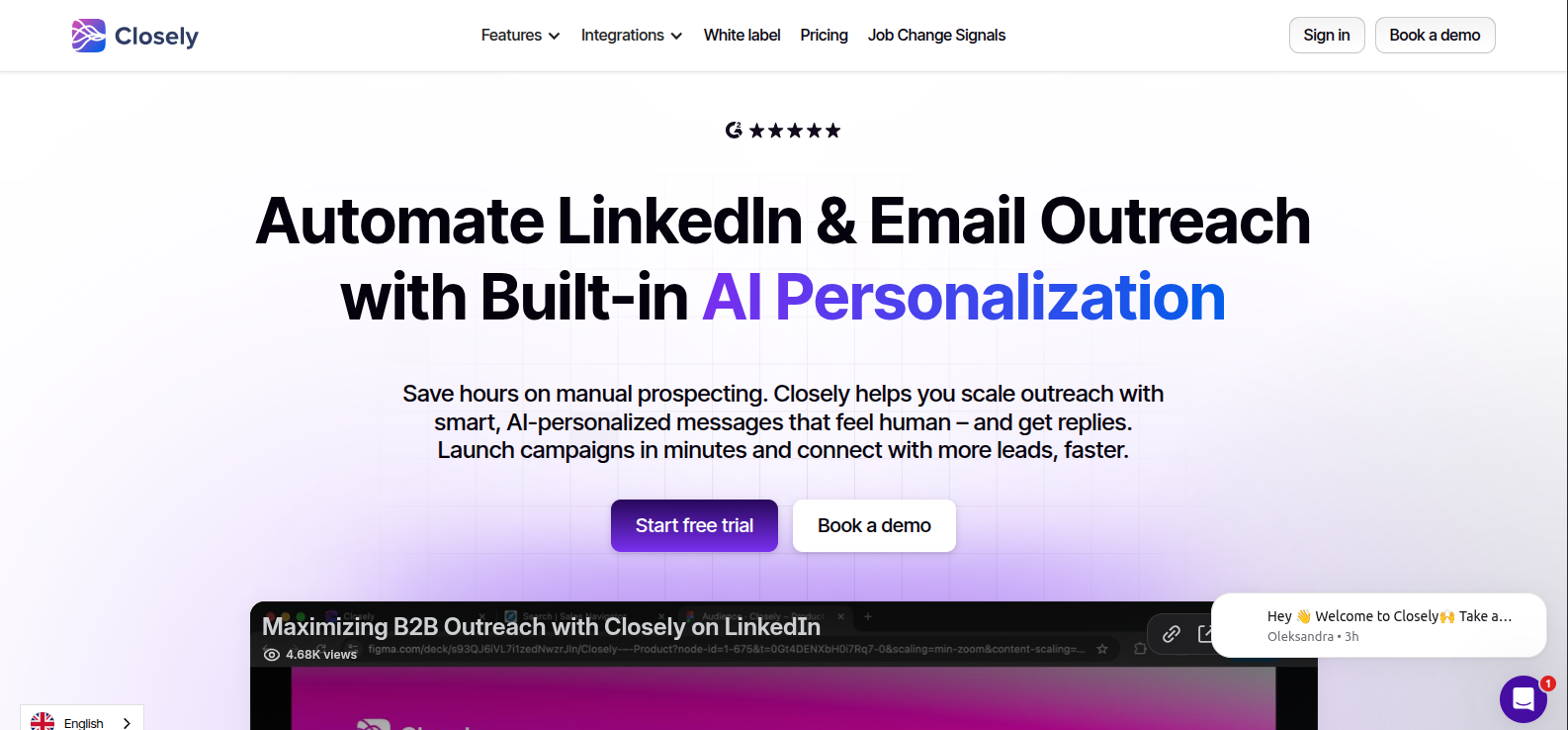
PAIDClosely is a LinkedIn and email outreach automation platform built around a "sender" model. Each sender pairs one LinkedIn account with one email inbox. It runs conditional, multichannel sequences (connection requests, profile visits, follow-ups, email steps) with AI-generated, per-profile personalization, syncs everything into a unified inbox, and reports back into…
Regie.ai
PAIDRegie.ai is an AI-orchestrated Sales Engagement Platform (SEP) that unifies phone, email, and social outreach into one workflow, with AI agents handling prospecting tasks (list building, research, message writing, sequencing) alongside human reps. Its core pitch is replacing a stack of separate tools, dialer, enrichment, intent/signals, sequencing, with one platform…
Bardeen
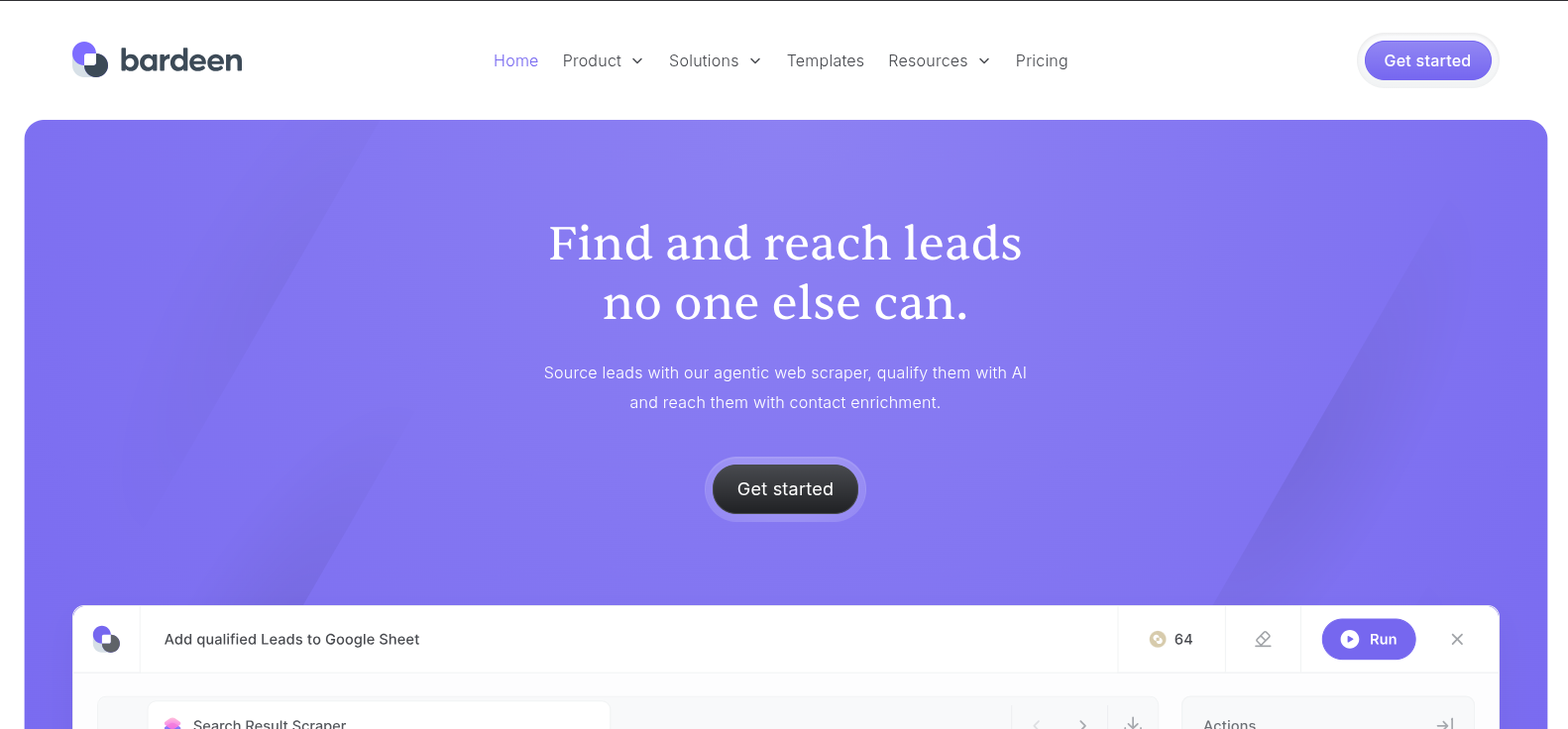
FREEMIUMBardeen is an agentic web scraper and lead-sourcing platform built around a visual workflow builder ("Studio"). You chain together actions like scrape search results or profile details from any website, validate emails, qualify leads with AI against your ICP description, then export to Google Sheets, Airtable, Notion, or CSV. It's…
HeyReach
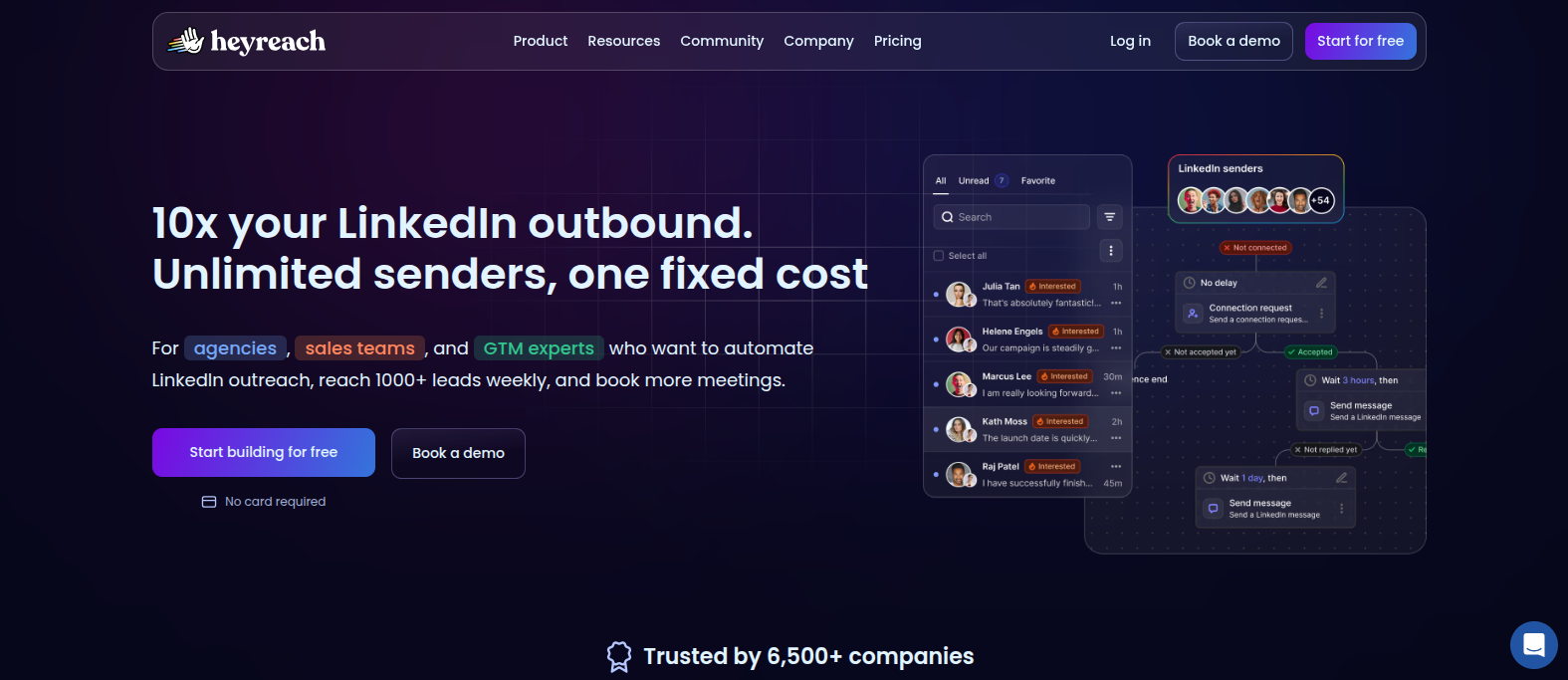
PAIDHeyReach is a multi-sender LinkedIn automation platform built specifically for agencies, sales teams, and GTM operators managing outreach across many LinkedIn accounts at once, for one flat fee rather than a per-seat charge. It runs full automated LinkedIn sequences (connection requests, messages, profile views, follows) with conditional logic like "If…
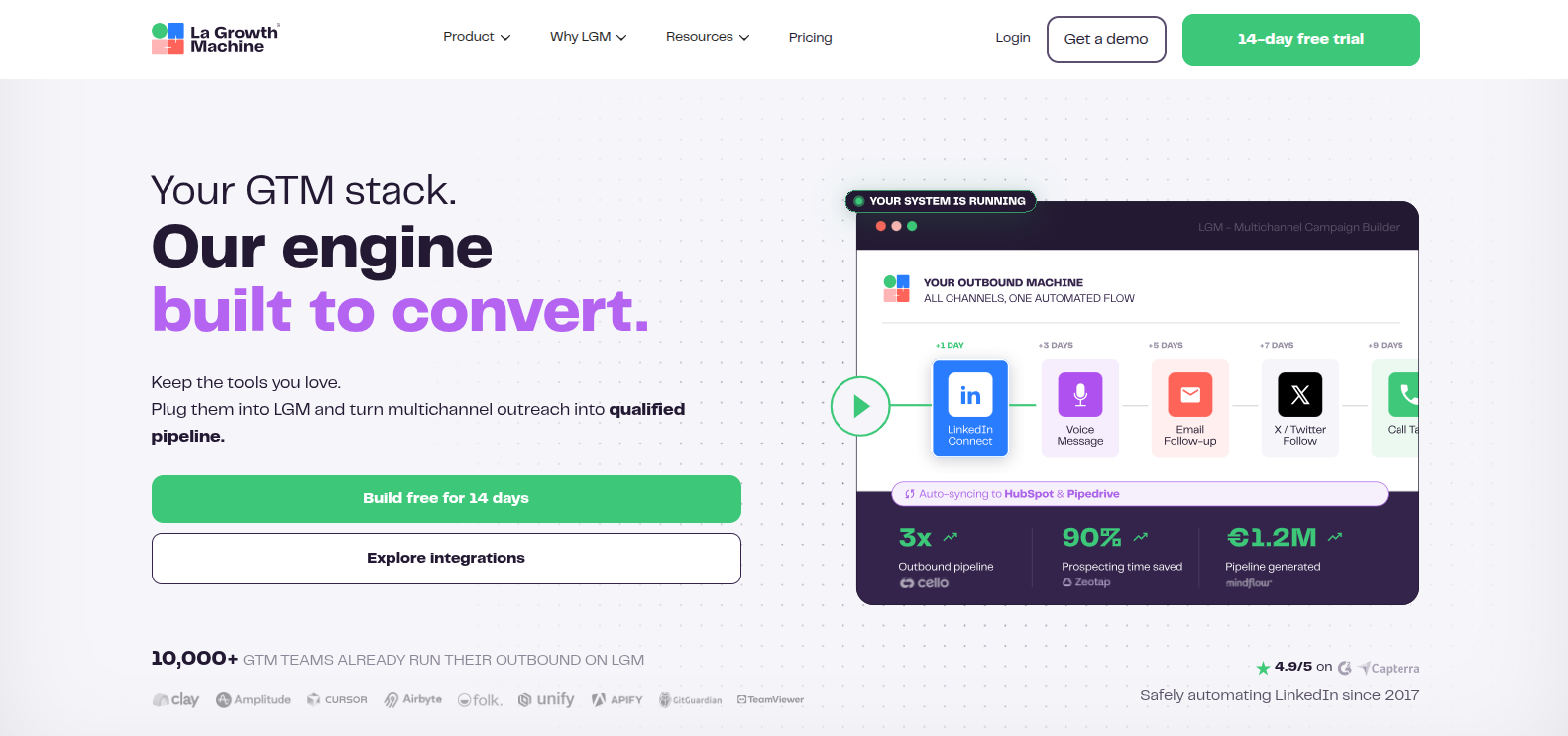
La Growth Machine is a multichannel outreach automation platform (LinkedIn, email, X/Twitter, and calls) built around "identities" (one identity automates all channels for one person). It's been running LinkedIn automation since 2017, with a heavy emphasis on account safety: 100% cloud-based (no browser extension to detect), dedicated 5G mobile proxies…
Dripify
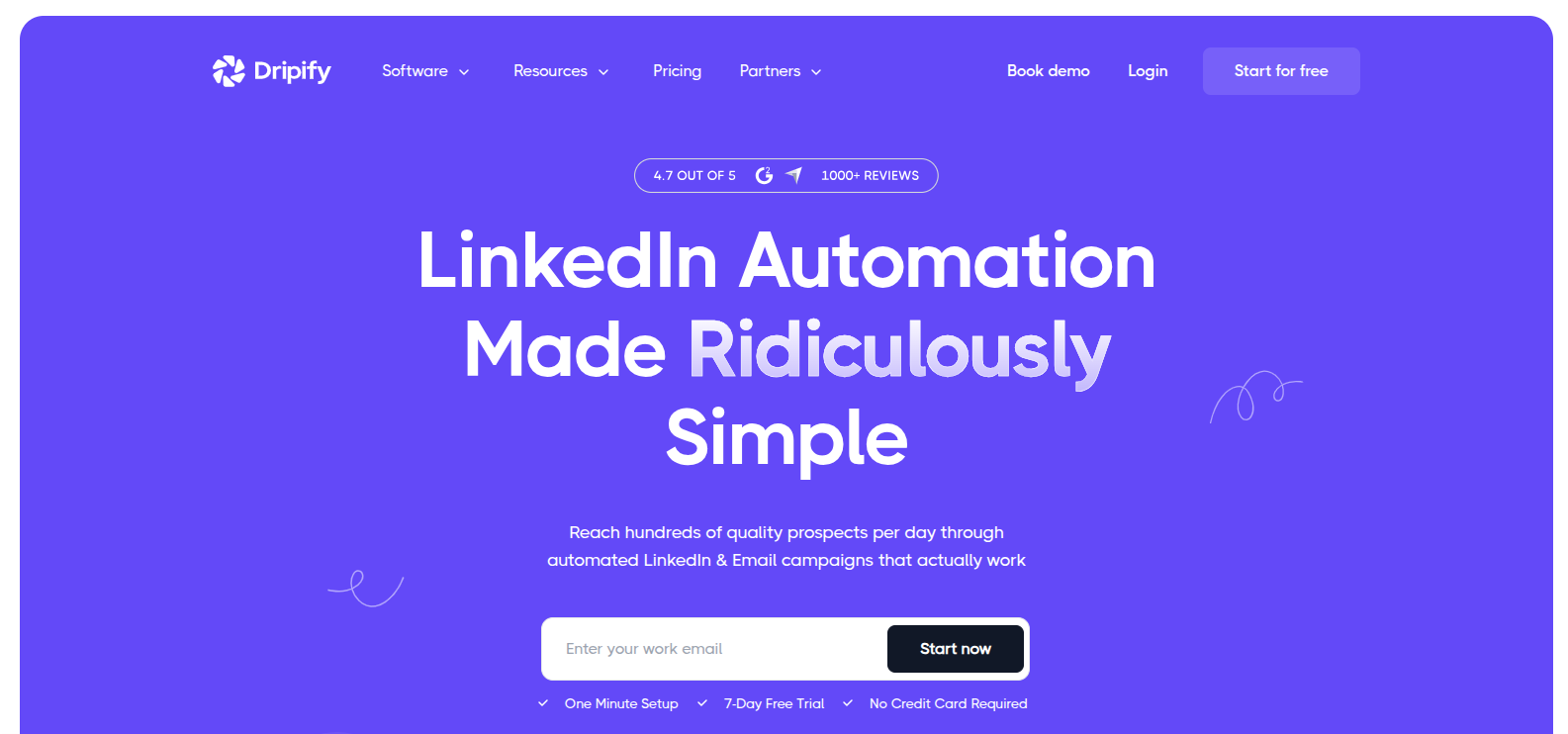
PAIDDripify is a cloud-based LinkedIn automation tool that runs drip campaigns combining LinkedIn actions (connection requests, messages, profile visits, InMail) and email steps through a drag-and-drop sequence builder. It's LinkedIn-first, a cloud engine that keeps running even when your device is off. With hyper-personalization variables, an email finder/verifier for turning…
Linked Helper
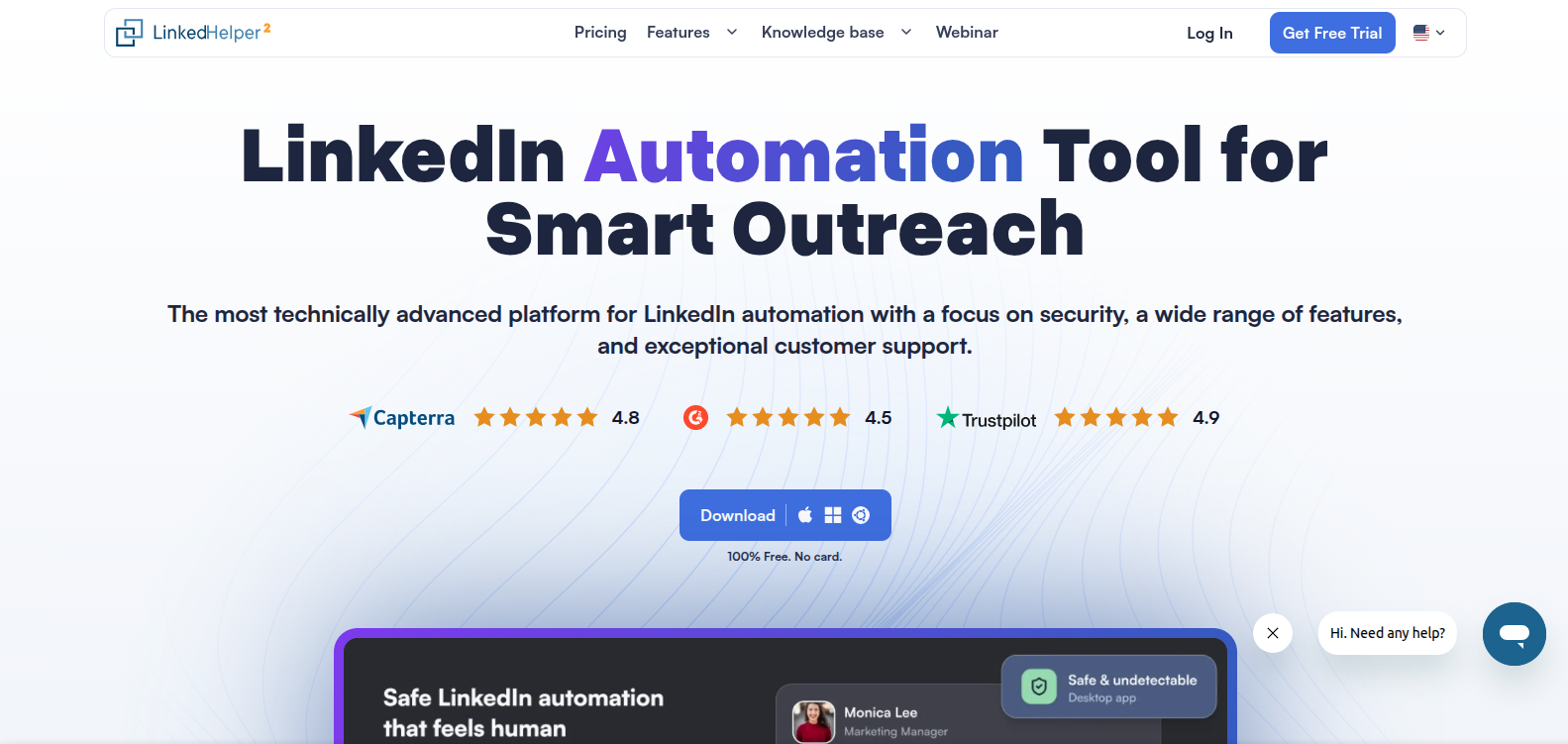
PAIDLinked Helper is a LinkedIn automation tool that runs as a desktop app rather than a Chrome extension or pure cloud platform. It avoids injecting code into the LinkedIn page, which the vendor positions as a safety advantage. It offers over 30 automated LinkedIn actions (connection requests, InMails, messages, endorsements,…
Expandi
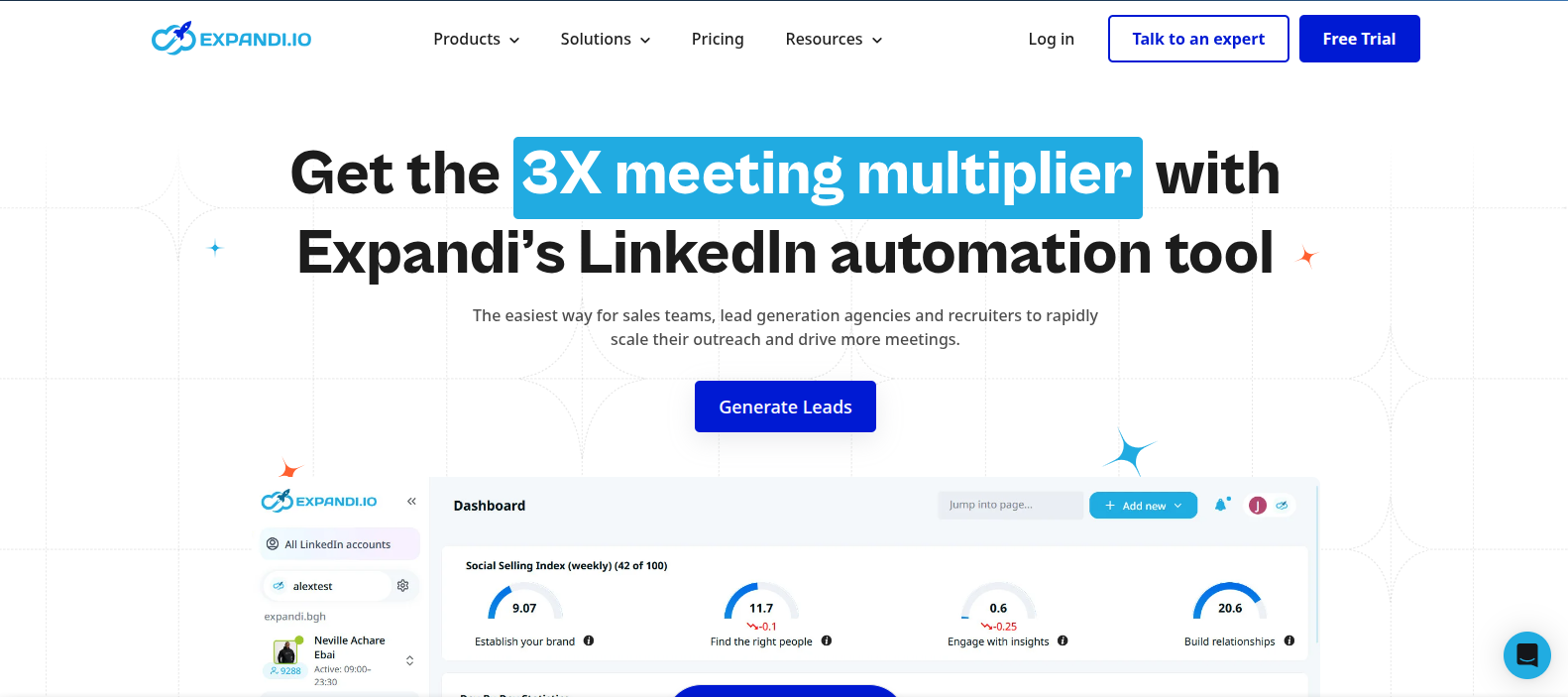
PAIDExpandi is a cloud-based LinkedIn and email outreach automation platform built around "Smart Campaigns" — a drag-and-drop sequence builder with 19 actions and 11 conditions that branch outreach based on how a prospect actually behaves (accepted, replied, engaged). It runs one dedicated, country-matched IP per connected account and automates account…
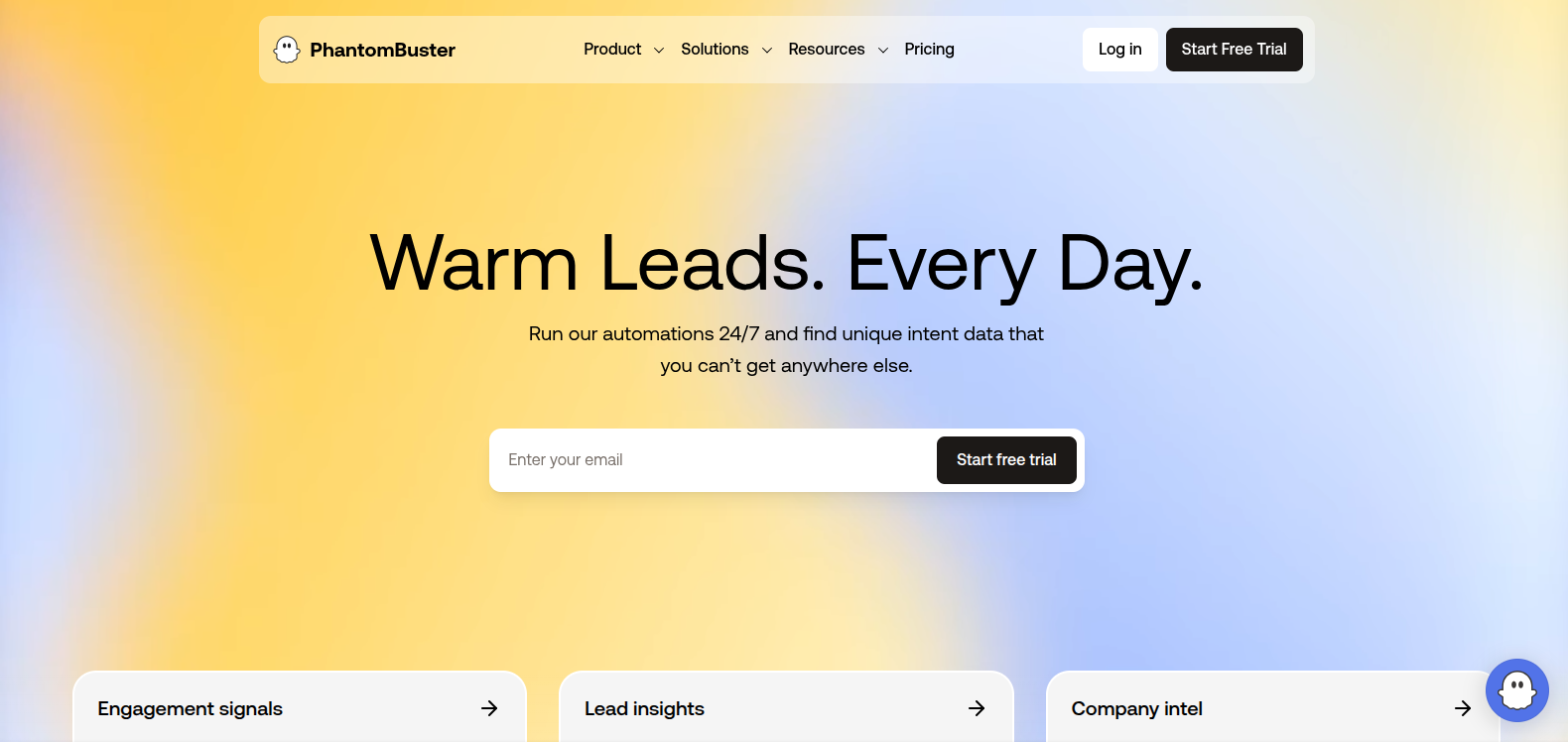
PhantomBuster
FREEMIUMPhantomBuster is a cloud-based, no-code automation and data-extraction platform built around a library of 150+ pre-built scripts called "Phantoms," which can be chained into multi-step "Flows." Users deploy Phantoms to scrape profile data, export LinkedIn Sales Navigator search results, send connection requests, extract followers/emails, and automate engagement across LinkedIn, Twitter/X,…
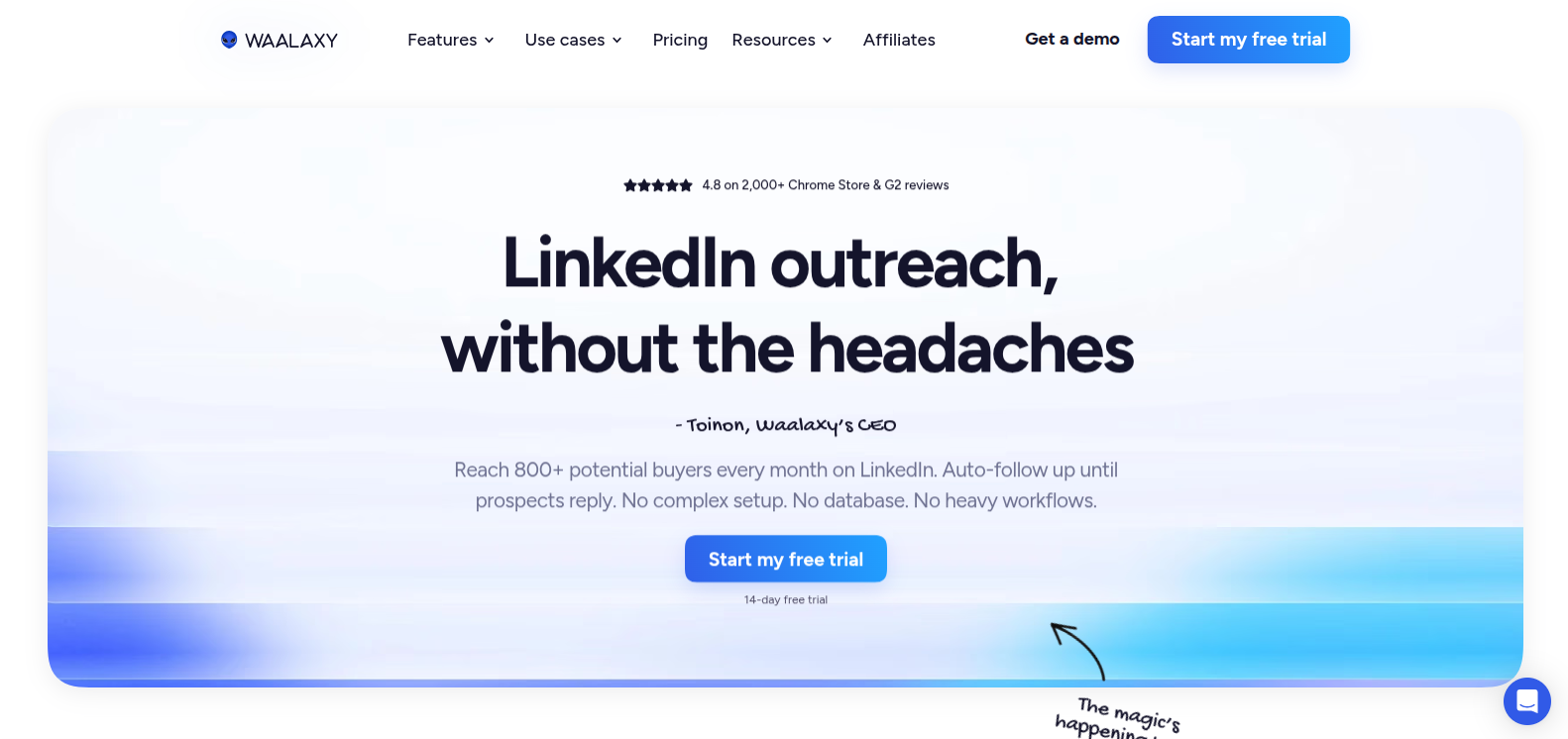
Waalaxy
FREEMIUMWaalaxy is a beginner-friendly LinkedIn and email outreach automation tool built around ready-made sequence templates rather than a build-your-own-workflow approach. It works as a browser extension that prospects directly from live LinkedIn profiles (LinkedIn Basic, Sales Navigator, or Recruiter Lite) rather than a stale imported database, sends automated connection requests…
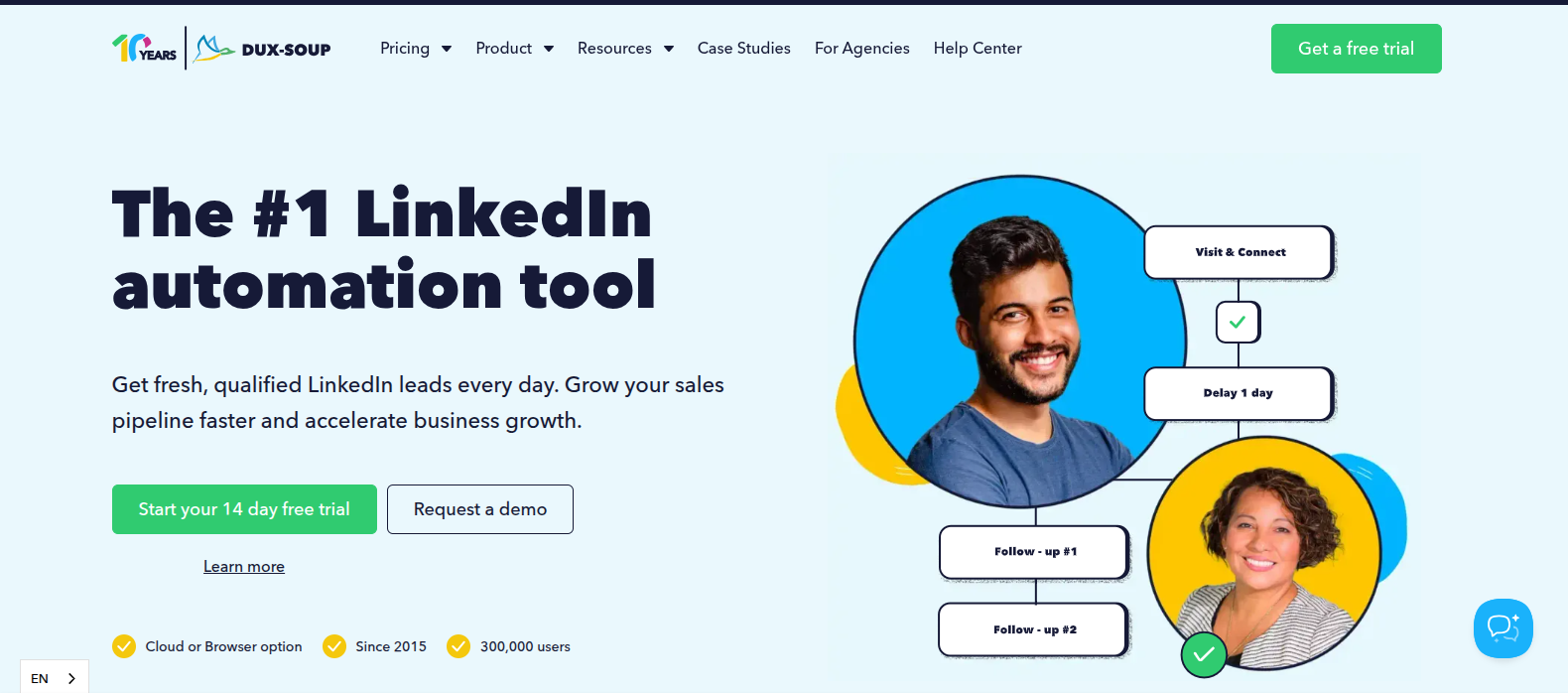
Dux-Soup
FREEMIUMDux-Soup is one of the longest-running LinkedIn automation tools (since 2015, 300,000+ users), built as a browser extension that runs directly on your native LinkedIn, Sales Navigator, or Recruiter account rather than requiring third-party login access — the vendor's core safety pitch is that all activity history stays within LinkedIn…
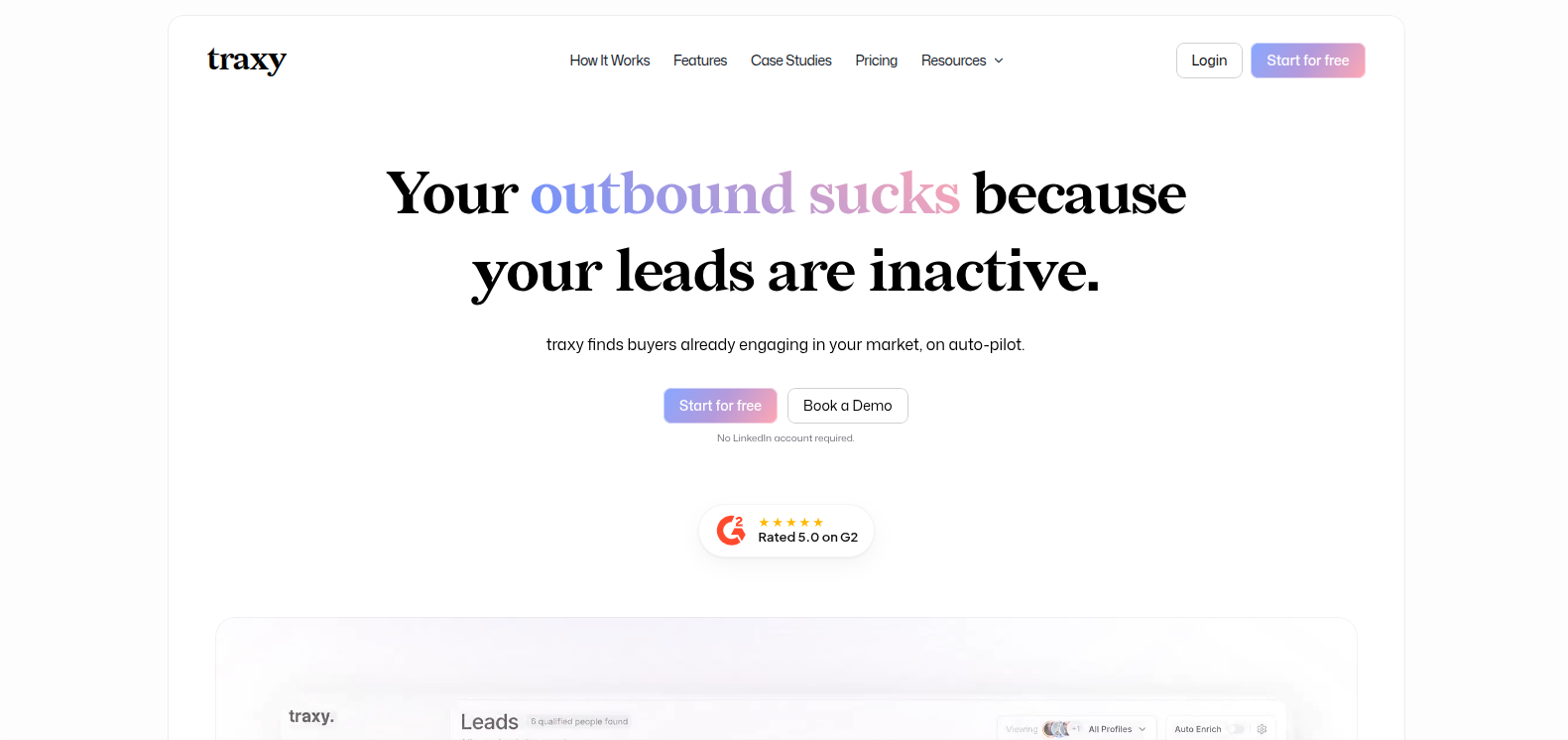
Traxy
PAIDTraxy is a LinkedIn engagement-intelligence tool, not an outreach automation tool. It monitors posts from profiles you choose and identifies everyone who likes, comments, or reposts them. It scores those people against your Ideal Customer Profile, enriches contact details (email/phone) on the ones that match, and pushes qualified leads to…
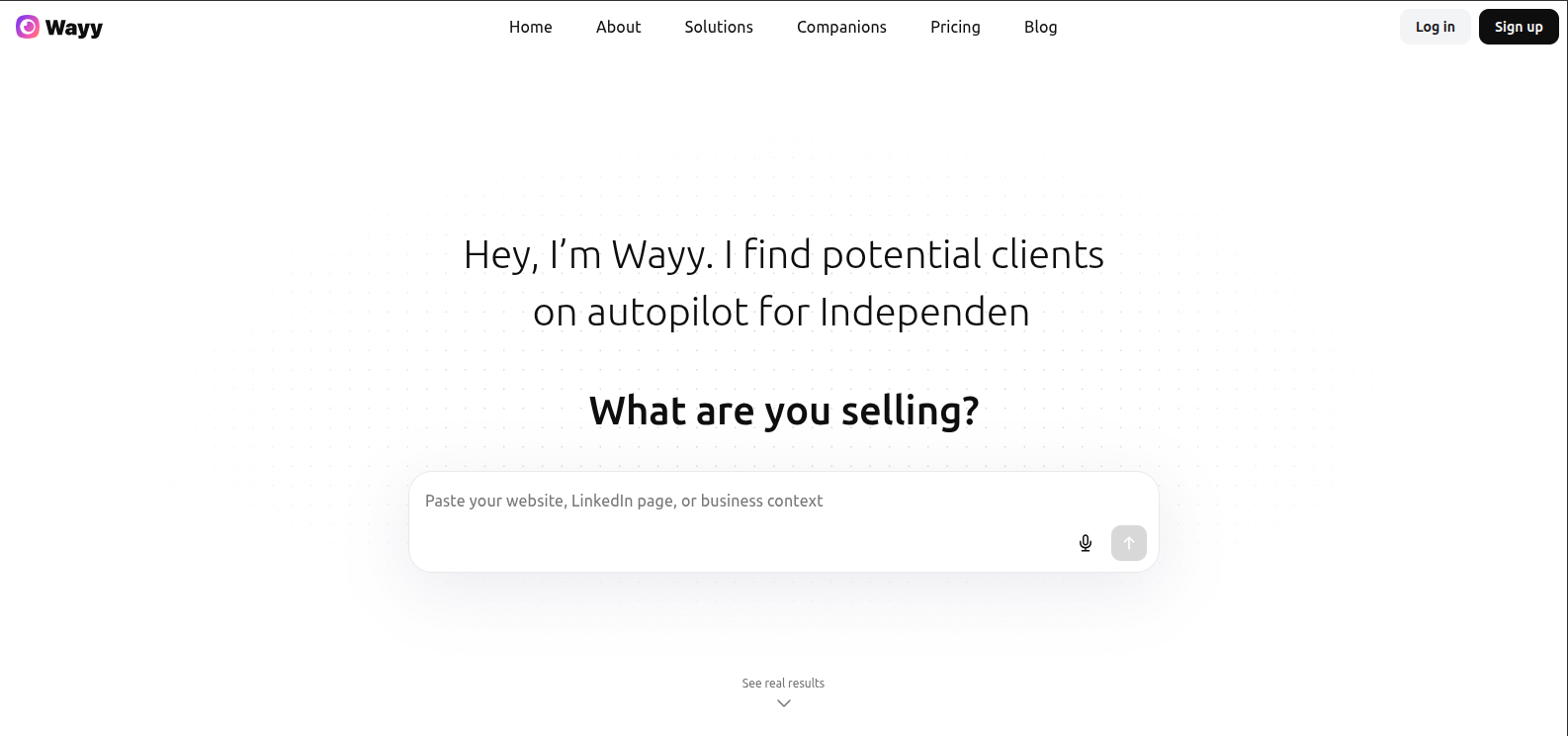
Wayy
PAIDWayy is an AI sales agent built specifically for solopreneurs and small business owners, focused entirely on LinkedIn. You describe your offer or ideal client in plain language, and Wayy builds a target persona, finds and ranks matching LinkedIn profiles, sends personalized connection requests and outreach, and follows up automatically…
Manual outreach doesn't scale. If your pipeline depends on personally messaging every prospect, you're capping your growth at the size of your calendar.
That's the problem automation solves. And the reason so many sales, recruiting, and marketing teams now run at least part of their prospecting through a linkedin automation tool. The right platform turns connection requests, follow-ups, and profile visits into a repeatable system instead of a manual grind.
But automation isn't a free pass. Push it too hard and you risk a restricted linkedin account, tone-deaf messaging, and damaged brand trust. This guide breaks down when automation accelerates growth, when manual outreach still wins, and how to pick a tool that scales without putting your account at risk.
Key Benefits & Risks
Benefits:
- Scale outreach: run hundreds of personalized touches weekly instead of dozens
- Consistent follow-ups: sequences fire on schedule, so no lead falls through the cracks
- Improved pipeline velocity: faster first contact means faster conversion
- Personalization at scale: dynamic tokens let you reference role, company, and pain point across a large list without manual effort
Risks:
- Account restriction: LinkedIn actively monitors for bot-like behavior and will flag or suspend accounts that violate its limits
- Poor messaging quality: generic, templated messages sent in bulk read as spam
- Reputation damage: irrelevant or excessive outreach hurts your brand, not just your response rate
- Data privacy concerns: scraping and storing prospect data carries compliance obligations, especially for GDPR-covered contacts
How to Choose the Best LinkedIn Automation Tool
Use this decision framework, prioritized in order:
- Safety and compliance features: cloud-based tools with dedicated IP addresses and human-like delays carry lower detection risk than browser-based tools
- Personalization capabilities: look for dynamic tokens, conditional messaging, and A/B testing built in
- Integrations: check for native or Zapier-based connections to Salesforce, HubSpot, or Pipedrive
- Analytics: you need visibility into acceptance rate, reply rate, and campaign-level performance, not just activity counts
- Ease of use: a clean sequence builder saves hours of setup time
- Pricing: map cost per seat against your expected lead volume, not just the sticker price
- Customer support: responsive support matters more once you're running live campaigns, not during the trial
- Scalability: confirm the tool supports multiple LinkedIn accounts if you plan to grow the team
Before you commit:
- Define your goals and acceptable risk level — recruiting, sales, and brand-building tolerate different levels of automation
- List required features: sequence builder, smart delays, profile scraping limits
- Run an integration checklist against your CRM and Zapier stack
- Build a trial checklist and a list of vendor questions on data handling and account safety
Step-by-Step Setup & Implementation Guide
- Define your target audience and messaging framework: know who you're reaching before you automate anything
- Choose a tool and run a small, time-boxed pilot: two to four weeks is enough to validate fit
- Set conservative limits: start low on connection requests per day and message cadence, especially on a newer account
- Create personalization tokens and A/B test messages: let data decide which sequence wins
- Integrate with your CRM and set lead scoring: make sure qualified replies route into your pipeline automatically
- Monitor for deliverability and account health daily: catch warning signs before LinkedIn does
Best Practices to Maximize Results & Minimize Risk
- Personalize beyond first name — reference role, company, and a specific pain point
- Use human-like delays and variability between actions
- Rotate campaign content and sequences so messaging doesn't look templated
- Prioritize quality over volume — warm, relevant leads convert better than high-volume blasts
- Review response quality regularly and update templates based on what's working
Compliance, LinkedIn Policy & Ethical Considerations
LinkedIn's Terms of Service restrict automated activity that mimics or replaces manual use, and enforcement has only gotten stricter. Staying within safe limits protects both your account and your sender reputation:
- Keep daily connection requests and messages within LinkedIn's recommended limits, adjusted for account age
- Get explicit consent before storing or reusing prospect data pulled from LinkedIn
- Apply GDPR-compliant handling for any EU-based prospects, including a clear basis for outreach and an easy opt-out
- Treat compliance as an ongoing practice, not a one-time setup step
Measuring ROI: KPIs & Reporting Templates
Track these core metrics weekly:
- Connection request acceptance rate
- Response rate
- Meetings booked
- SQLs generated
- Pipeline value
- Conversion rate
- Cost per lead
Build a simple weekly dashboard with these seven metrics side by side, reviewed on a fixed cadence — weekly for volume metrics, monthly for pipeline and ROI. This turns automation from a black box into a system you can actually optimize.
Conclusion & Actionable Next Steps
Choosing the best LinkedIn automation tool comes down to matching safety, personalization, and integration depth to your actual goals — not chasing the platform with the most features.
Start small. Trial one or two tools using the pilot checklist above, keep your limits conservative in the first few weeks, and let the data guide your next move.
Schedule 30/60/90-day reviews to validate ROI. If acceptance and reply rates hold steady while pipeline value climbs, you've found your system. If not, adjust messaging, cadence, or the tool itself before scaling further.
FAQs
Are LinkedIn automation tools safe to use?
Yes, if you follow LinkedIn's limits, use cloud-based tools with throttling, personalize your messages, and monitor account activity regularly.
Which tool is best for small businesses?
Budget-friendly options with straightforward setup work well for smaller teams. Choose based on the integrations and support level you actually need, not just price.
How many connection requests per day are safe?
Start conservatively like 10 to 50 per day depending on account age and activity, then ramp slowly while watching acceptance rates and warning signs.
Can automation harm my brand?
Yes. Generic or high-volume irrelevant messaging damages reputation quickly. Prioritize relevance and keep a human reviewing your sequences.
How do I measure success from LinkedIn automation?
Track connection acceptance, reply rate, meetings booked, lead-to-opportunity conversion, and cost per qualified lead, then tie those numbers back to revenue where possible.